GuideStart here
Signing in and your account
Invitation-only accounts, your first password, and what to do if you forget it.
3 min readFor everyone
Content Studio is invitation-only: there is no public sign-up. The Xertus studio creates accounts, and a client's approver can add members to their own team.
Your first sign-in
- 1Get your sign-in details
Whoever created your account shares your email and a temporary password with you privately. Passwords are never sent by email.
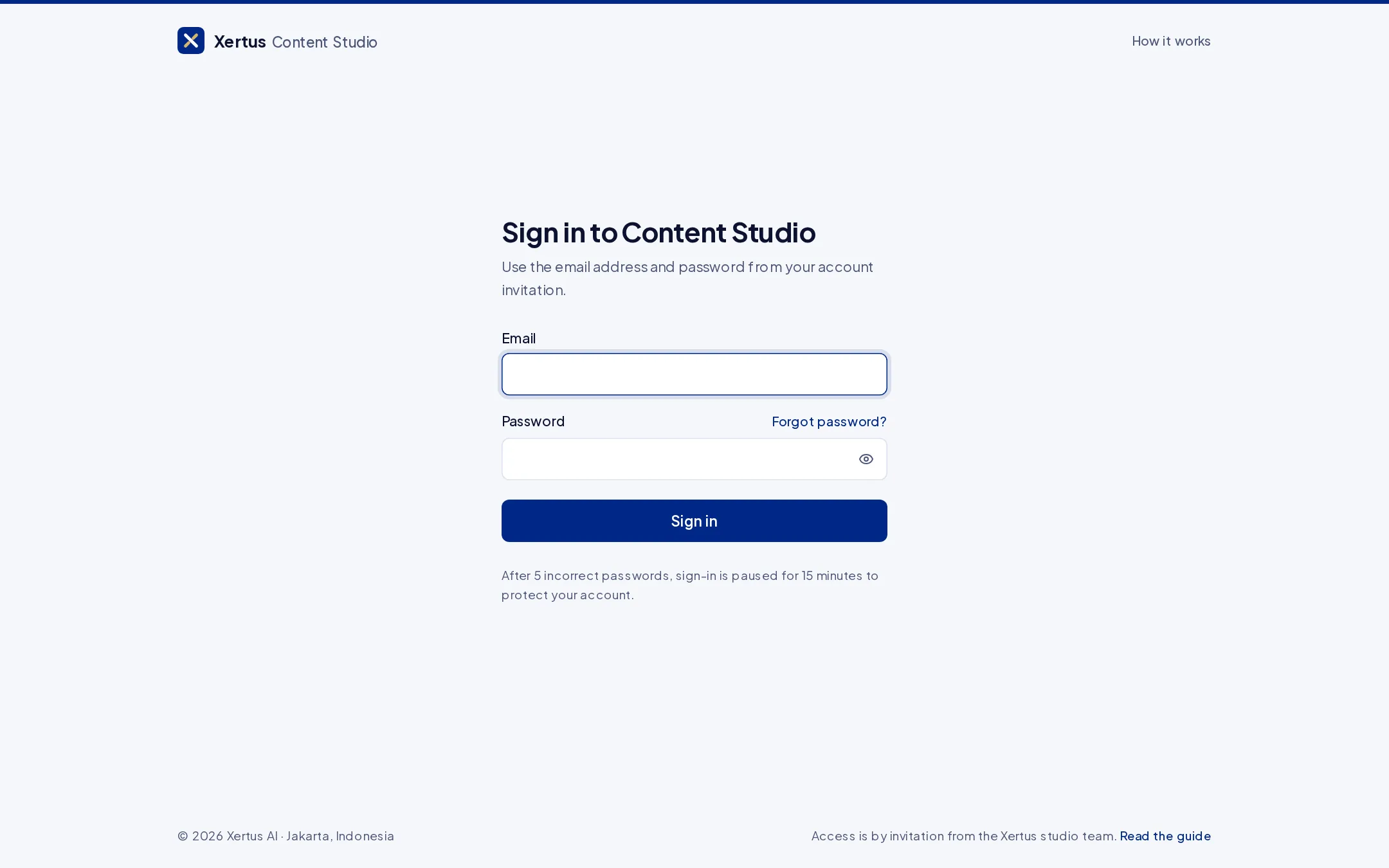
- 2Sign in
Go to studio.xertusai.com and enter your email and the temporary password.
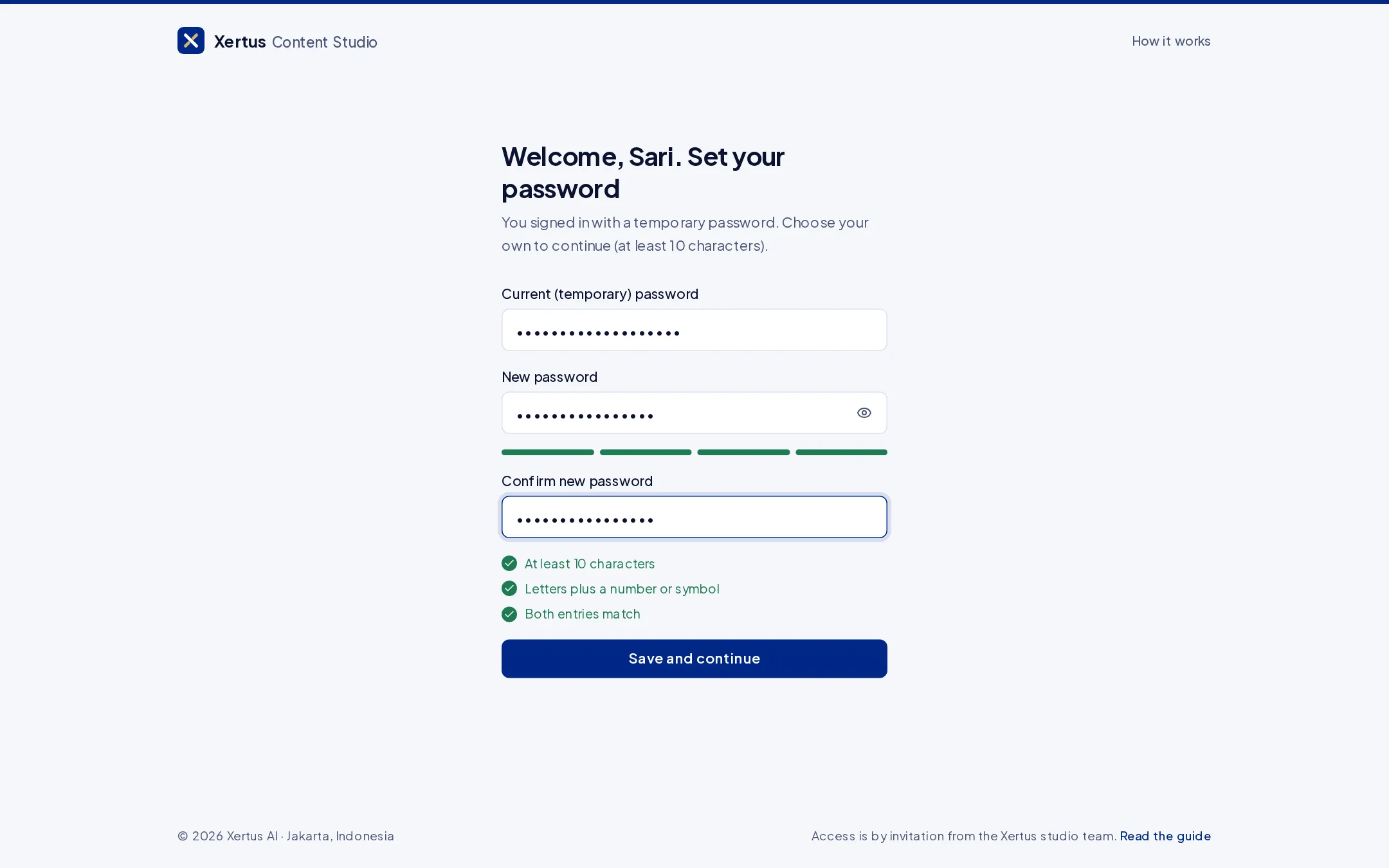
- 3Choose your own password
You'll be asked to set a new password straight away (at least 10 characters). Until you do, the rest of the portal stays locked.
studio.xertusai.com/sign-in
studio.xertusai.com/change-password