GuideFor clients
Your team
Approver and members, adding people, resetting passwords and handing over the approver role.
4 min readFor clients
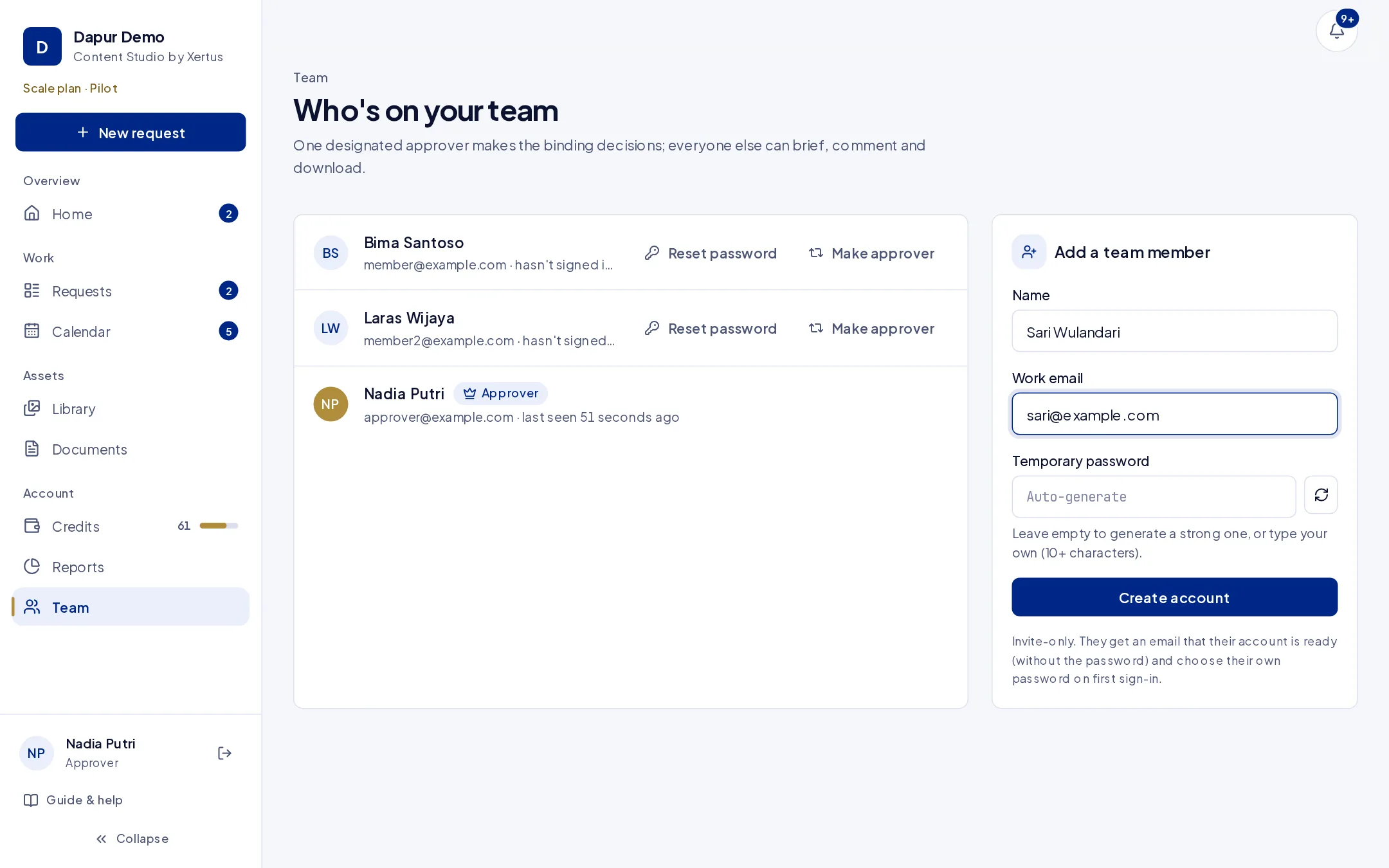
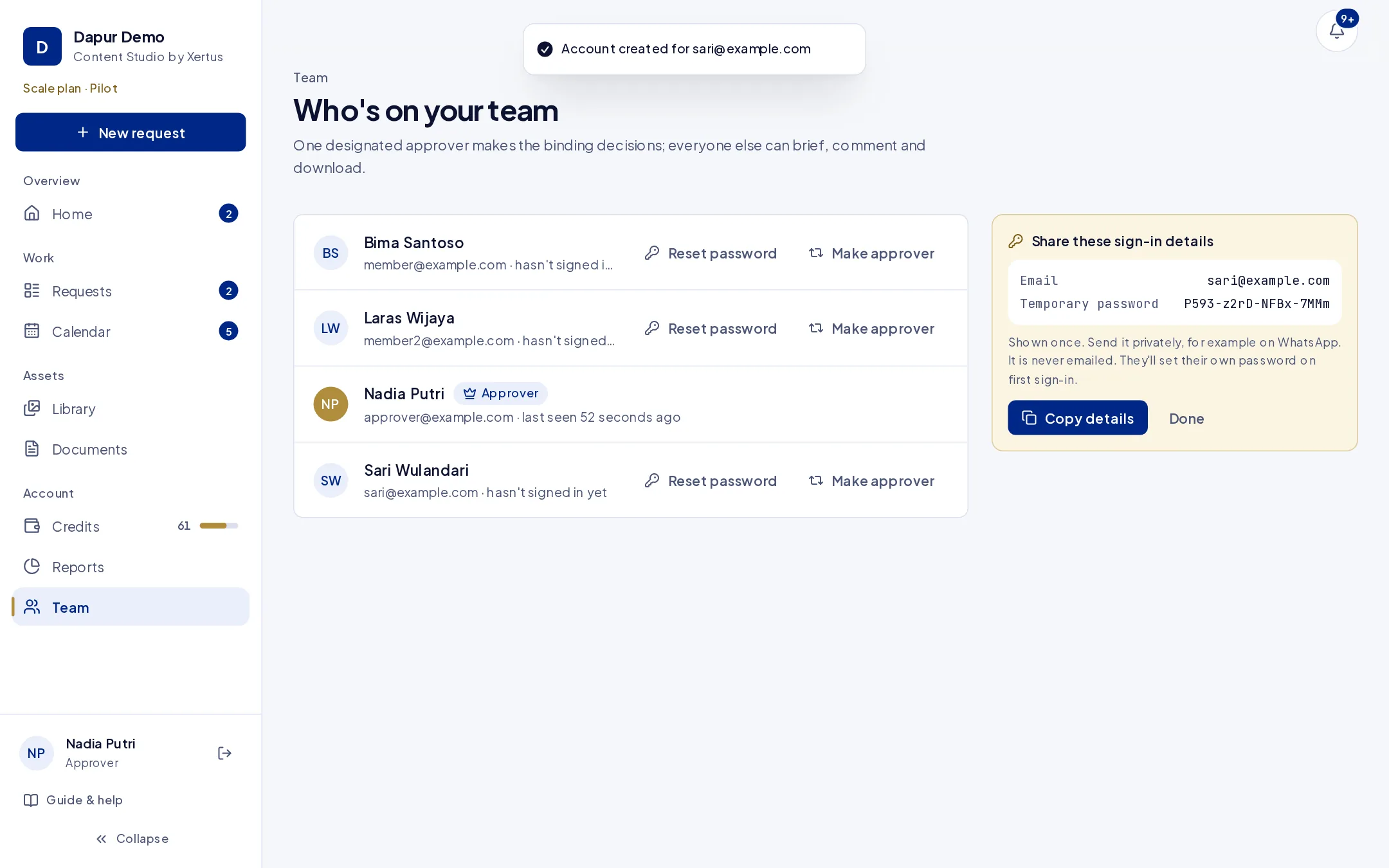
Your approver manages the team. They can add members, reset a member's password and hand the approver role to someone else.
studio.xertusai.com/dapurdemo/team
studio.xertusai.com/dapurdemo/team
- 1Reset a password
Click Reset password next to the member. They're signed out everywhere and get a new temporary password to share.
- 2Hand over the approver role
Click Make approver next to a member. Pending decisions move to them with the same due dates, and you become a member.